
If you want to water mark your images, no need to go beyond our favorite Windows Live Writer. This is a hidden but very handy feature which does not require any third party apps.
Steps to put watermark on your images:
- Import the image on the live writer editor.
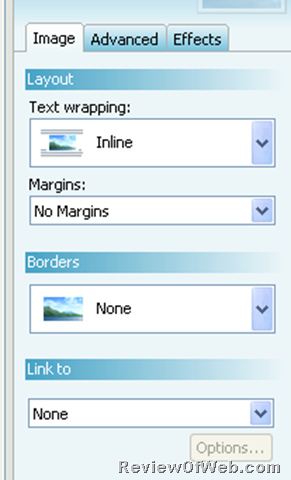
- Select the image. You will see this on right hand side.
-
- Go to “Effects” Tab > Click on + dropdown > Go To OverLays > Watermark
- Choose the text that would appear as a watermark.
- You also have the option to choose font, size or position of watermark on the image.

 Ankur Jain is a Software Engineer in Test Automation. After a 5 years stint with Accenture and Oracle, he started his eLearning company. A long-time blogger and proud owner of the "Learn" series of websites.