
No need for the expensive photo-editing softwares like Photoshop. Now It is that easy to create a fake cheque of adsense. Open your adsense account and type in this in your favorite browser
1: javascript:document.body.contentEditable='true'; document.designMode='on'; void 0
Voila! your html page becomes editable. So this is how I converted Google India to Google ROW. It is impossible to distinguish the real from the fake.
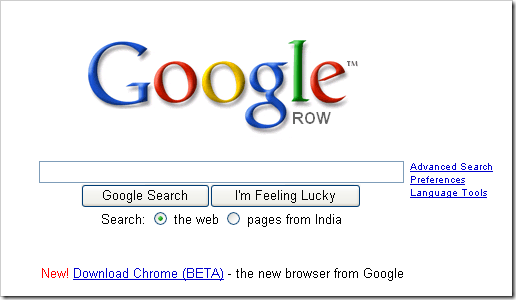
I trust you guys got my point. When it is so easy to manipulate some figures, don’t get misled by the fake screen-shots lying all over the web. My advise is to take extra precaution while indulging in any transaction on internet.
By the way, did anyone notice that Google after a looooong time has introduced a link on their home page. This is for Google Chrome, a new browser from Google. I don’t remember if they have campaigned for Firefox on their homepage. Sure enough Google has some ambitious plans for this browser.

 Ankur Jain is a Software Engineer in Test Automation. After a 5 years stint with Accenture and Oracle, he started his eLearning company. A long-time blogger and proud owner of the "Learn" series of websites.
it’very interesing