
Sometimes an unformatted JavaScript code becomes nearly unreadable and difficult to understand. If you are in the habit of using such JavaScript codes, this little free web tool could be a boon for you.
This piece of ugly looking unformatted code… 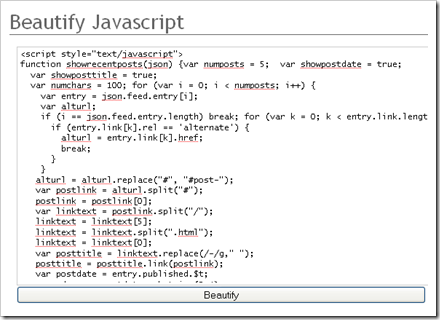
…transformed to… 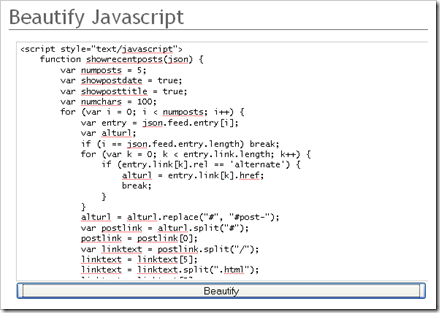
on a click of a ‘Beautify’ button.
It comes with other features like indent with tab character OR 2, 4 or 8 spaces. Also it provides you with an option to preserve existing line breaks.
Check out JavaScript beautifier now.

 Ankur Jain is a Software Engineer in Test Automation. After a 5 years stint with Accenture and Oracle, he started his eLearning company. A long-time blogger and proud owner of the "Learn" series of websites.
This indent code is good but how would you do an indent from a dropdown list, indenting item 2-10 and 12- 15.
“This piece of ugly looking unformatted code” – it’s my standard formatting. It’s ugly because it uses 2 spaces indentation? Maybe it is, but write 10k of code (as one file) and you’ll notice, it’s sometimes hard to fit all you need on screen. So, call it ugly, but it is not unformatted.